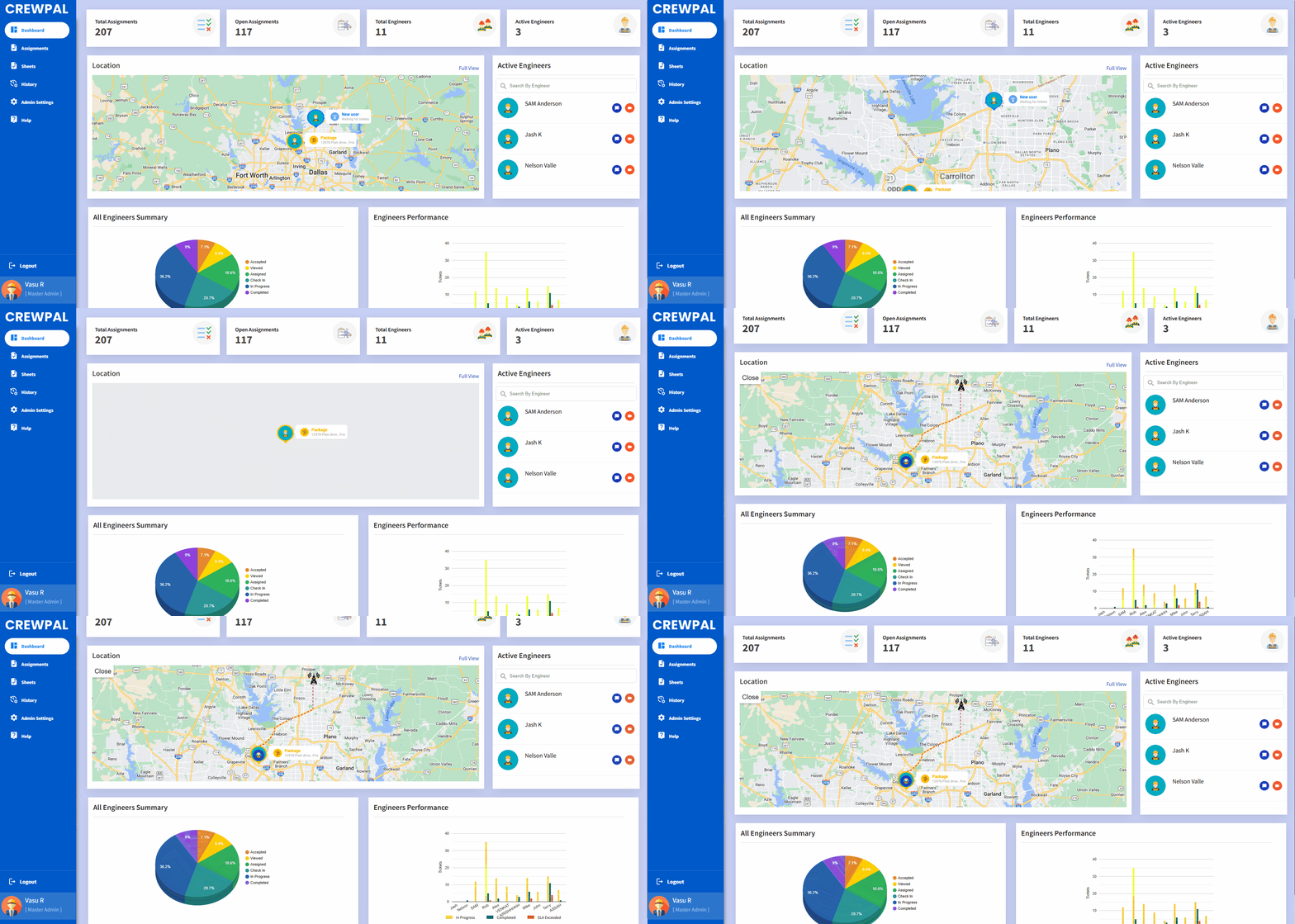
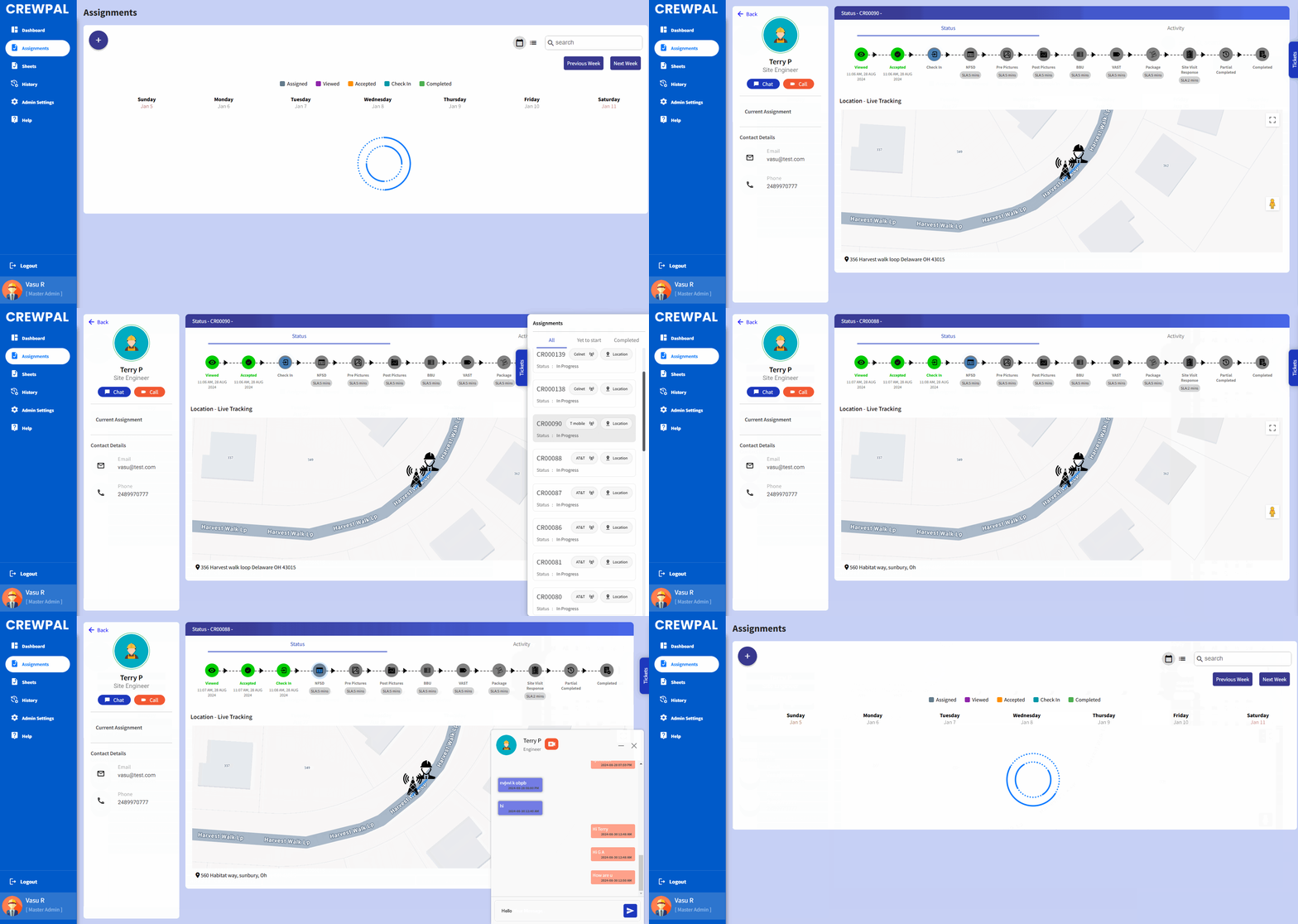
 Calendar View: Well-organized view of tasks by dates.List View: Tasks displayed in a detailed and structured list format.Live Task Updates: Includes status updates like “Accepted” and live engineer location.Timeline: Displays task progress if completed.Live Chat: Enables real-time messaging with the engineer.Video Call: Direct video communication option.Uploaded Images: View images related to the task shared by the engineer.Instant notifications when tasks are assigned.Alerts for task updates or changes in priority.View assigned tasks with details like deadlines and descriptions.Update task statuses (e.g., In Progress, Completed).Add comments or notes for task-specific updates.View assigned site locations on a map.Get step-by-step directions to the site.Integration with GPS for live tracking.Engineers can manage their profiles with contact and work details.Access a log of completed tasks for reference.Alerts for upcoming deadlines or important updates.Ability to view tasks and update statuses without an internet connection, syncing when back online.Emergency contact options for field engineers.Share live location during tasks for safety.